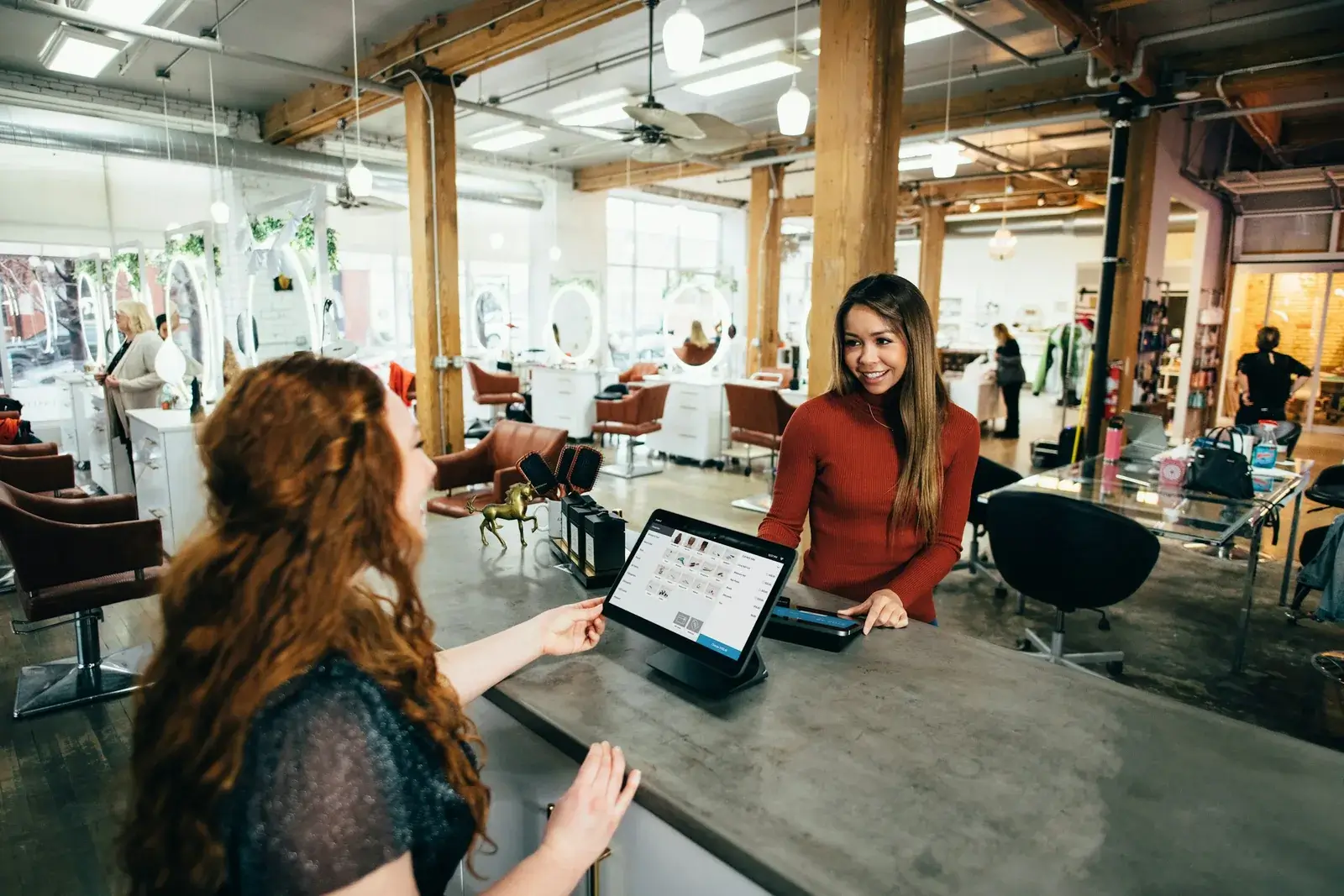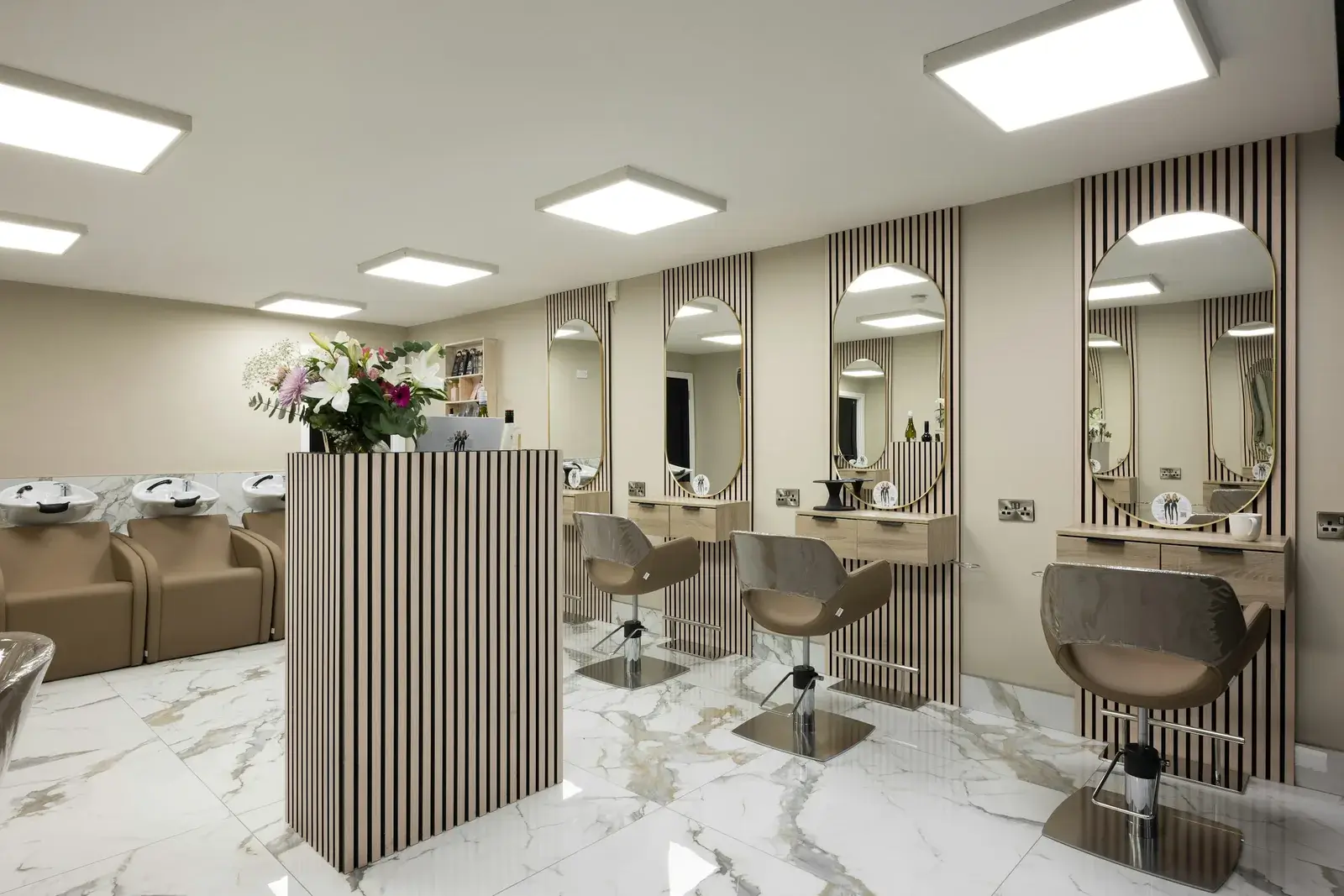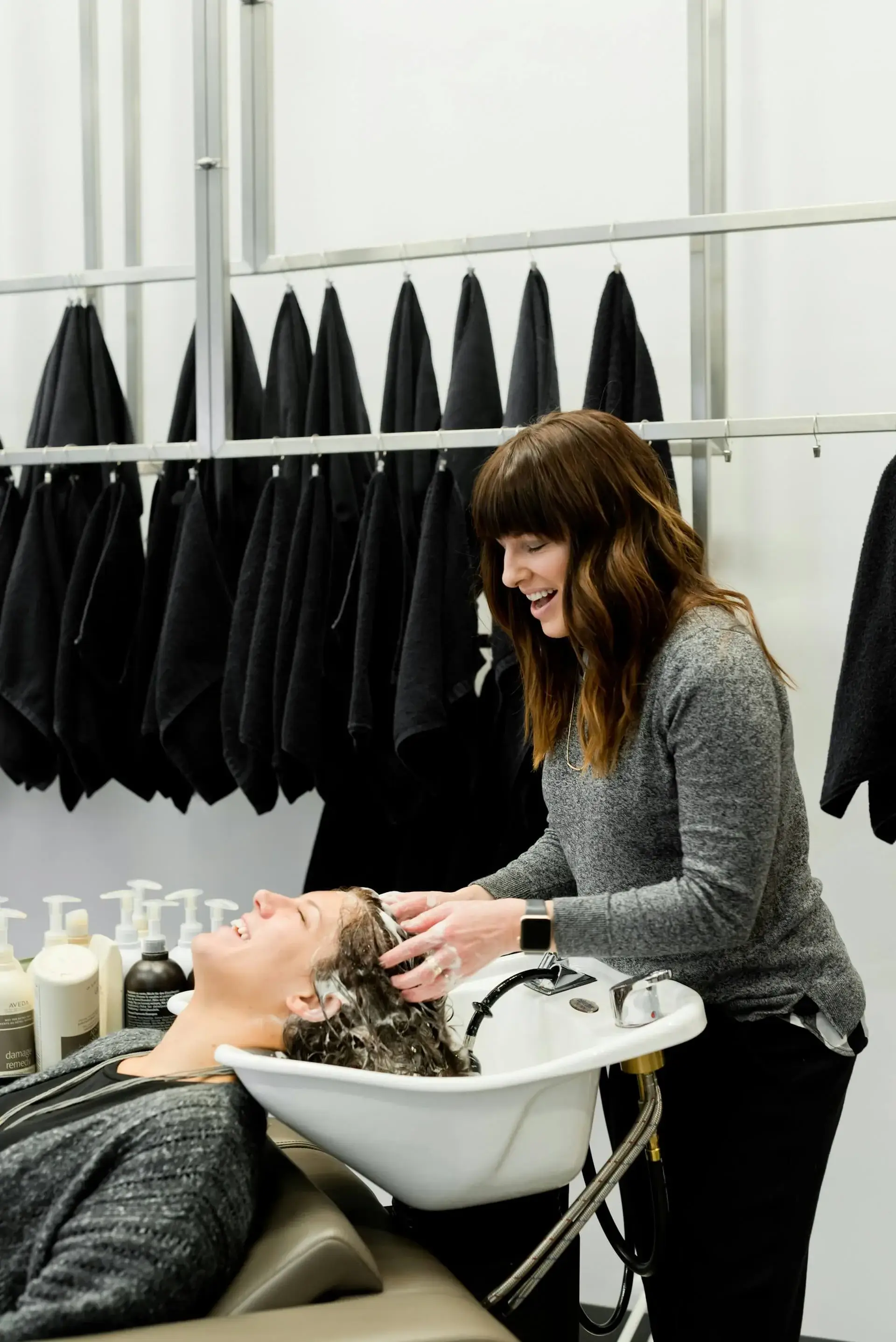
multi-location hairdressing software: this guide helps salons compare systems by cost, booking channels, data protection and growth fit.
Searches for multi-location hairdressing software quickly lead to providers such as Fresha, Booksy, Treatwell, Square, Timely, Salonized and Mangomint. The meaningful difference is not the longest feature list, but whether the system fits one salon today and can still support several locations later.
For the English-speaking and European market, SavePaper is positioned as a lean all-in-one setup for online booking, client records, staff planning and a salon website. This article keeps the decision close to the product and avoids promising POS features that SavePaper is not meant to replace.
1. Understand the search intent first
Behind multi-location hairdressing software there is usually a concrete decision: become easier to find, reduce phone calls, structure client data or manage more than one team. The comparison should therefore start with the daily workflow rather than a generic feature checklist.
A single salon normally needs simple booking, clear services, clean availability and useful client notes. Several locations add permissions, location-specific public pages and a central overview. SavePaper supports both cases without making multi-location operations the entry requirement.
The best salon software adapts to the salon workflow, not the other way around.
2. Compare competitors and pricing models
In the English-speaking and European market, marketplace reach, owned websites, calendars, reminders, marketing and sometimes POS are often bundled in different ways. Marketplaces can bring visibility, but they also make the salon more dependent on a third-party platform. Large suites can be powerful, yet too heavy for smaller teams.
Look closely at pricing: per staff member, per location, per SMS, per module or as a fixed package. SavePaper is strongest when online booking, a website, client records and team planning should work together without extra charges per employee or location.
3. Connect website, Google and social channels
Many appointments start outside the admin system: clients find the salon on Google, Instagram or through a recommendation and want to book immediately. Software should therefore provide a clear public booking journey, not just an internal calendar.
An owned salon website strengthens brand, local search visibility and trust. A booking marketplace can be useful, but it should not be the only place where the salon is visible. SavePaper connects booking, website and operational data in one setup.
Related Articles
4. Check privacy and real operations
GDPR, processor agreements and EU hosting matter when client notes, color formulas, phone numbers and appointment histories are stored. Salons should check where data is processed, whether a processor agreement is available and how team access is handled.
Reminders, no-show prevention and client communication also need transparent consent and practical processes. A solution can only perform well after the click if it is reliable, understandable and privacy-conscious.
5. Selection checklist
Before choosing, check whether the system provides search visibility-ready salon pages, online booking without a mandatory customer account, service and staff management, location support and transparent costs for users, locations, reminders and modules.
SavePaper fits best when a salon wants its own digital presence and simple booking workflows. If a tax-compliant POS is the core requirement, SavePaper should be assessed separately from a dedicated POS system or combined with one.
multi-location hairdressing software should not be treated as a generic software list. The real question is whether the solution turns visitors into bookings, reduces admin work and can grow without avoidable add-on costs. SavePaper is built for salons that want visibility, online booking and structured client and location management in a lean system.