Table of Contents
Wedding website examples help couples turn design inspiration into a clear page for guests, RSVP and private event details.
Couples searching for wedding website examples usually want to understand the structure: what belongs on the homepage, which details guests need and how the site stays private. Strong examples show more than design; they show a guest journey.
SavePaper focuses on private wedding websites with RSVP, invitation code, guest list, photo gallery and optional custom domain. The goal is not an indexed couple page, but a useful guest experience and a strong public product page for creating a wedding website.
1. Sort examples by purpose
A wedding website can be save-the-date, invitation, information hub, RSVP flow and photo gallery at once. Examples should therefore be judged by purpose: do you only need date and venue, or should guests reply, choose menus and add plus-ones?
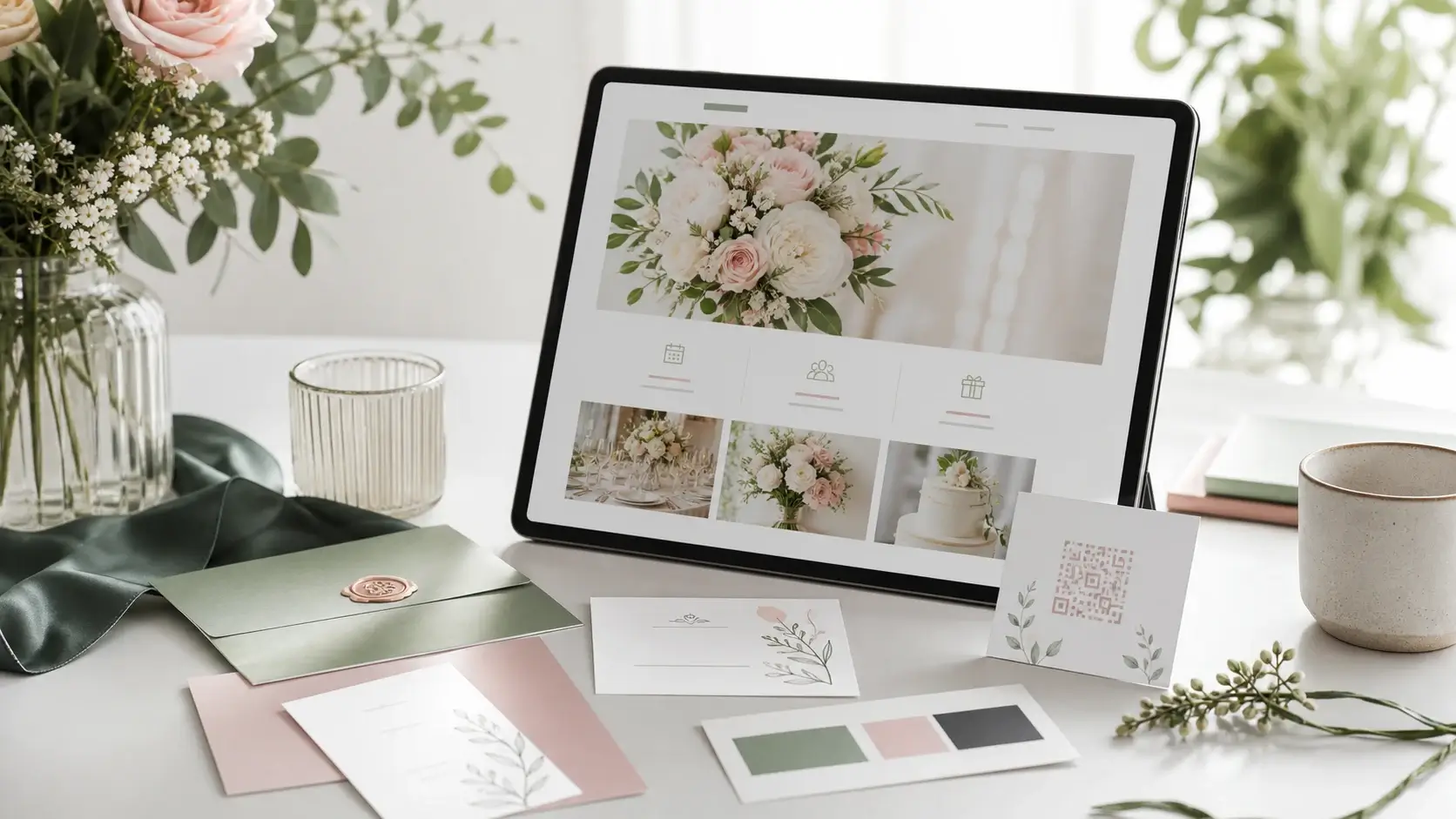
A clear structure usually works best: names and date, timeline, venue, travel, FAQ, RSVP and contact options. Gallery, gift notes and accommodation can then be added without clutter.
The best example is not the prettiest layout, but the page where guests immediately know what to do.
2. Include what guests actually need
Guests need date, time, address, dress code, parking, transport, hotels, schedule, contact person and a simple way to reply. Good examples make those details easy to scan on mobile.
The strongest setup connects RSVP and guest list, so responses, plus-ones, allergies and menu choices do not end up across several chats and spreadsheets.
3. Think design, domain and invite code together
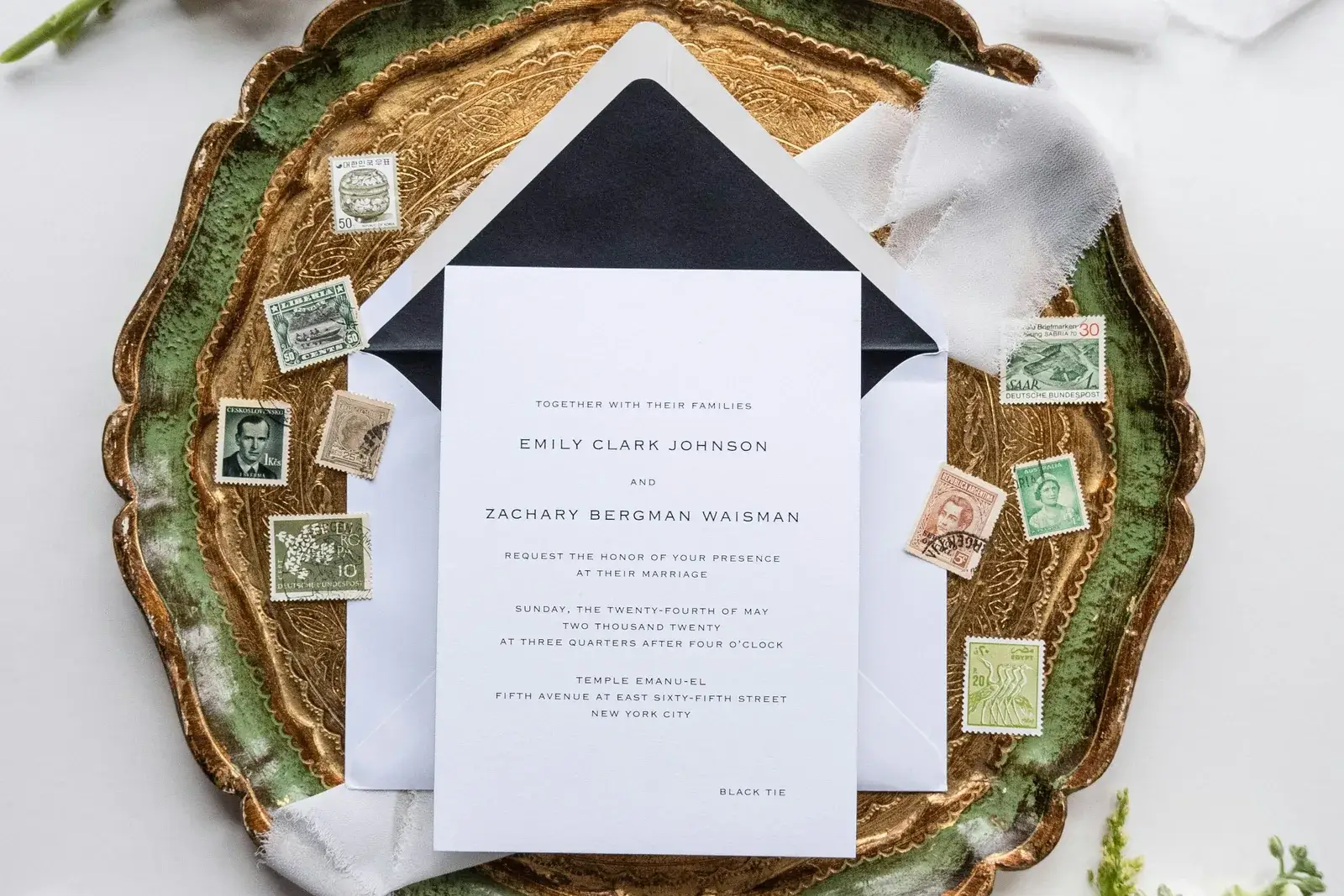
Design examples only work when they are practical: readable type, clear buttons, mobile layout and an address that looks clean on invitations or QR codes. A custom domain can help, but it is less important than the flow.
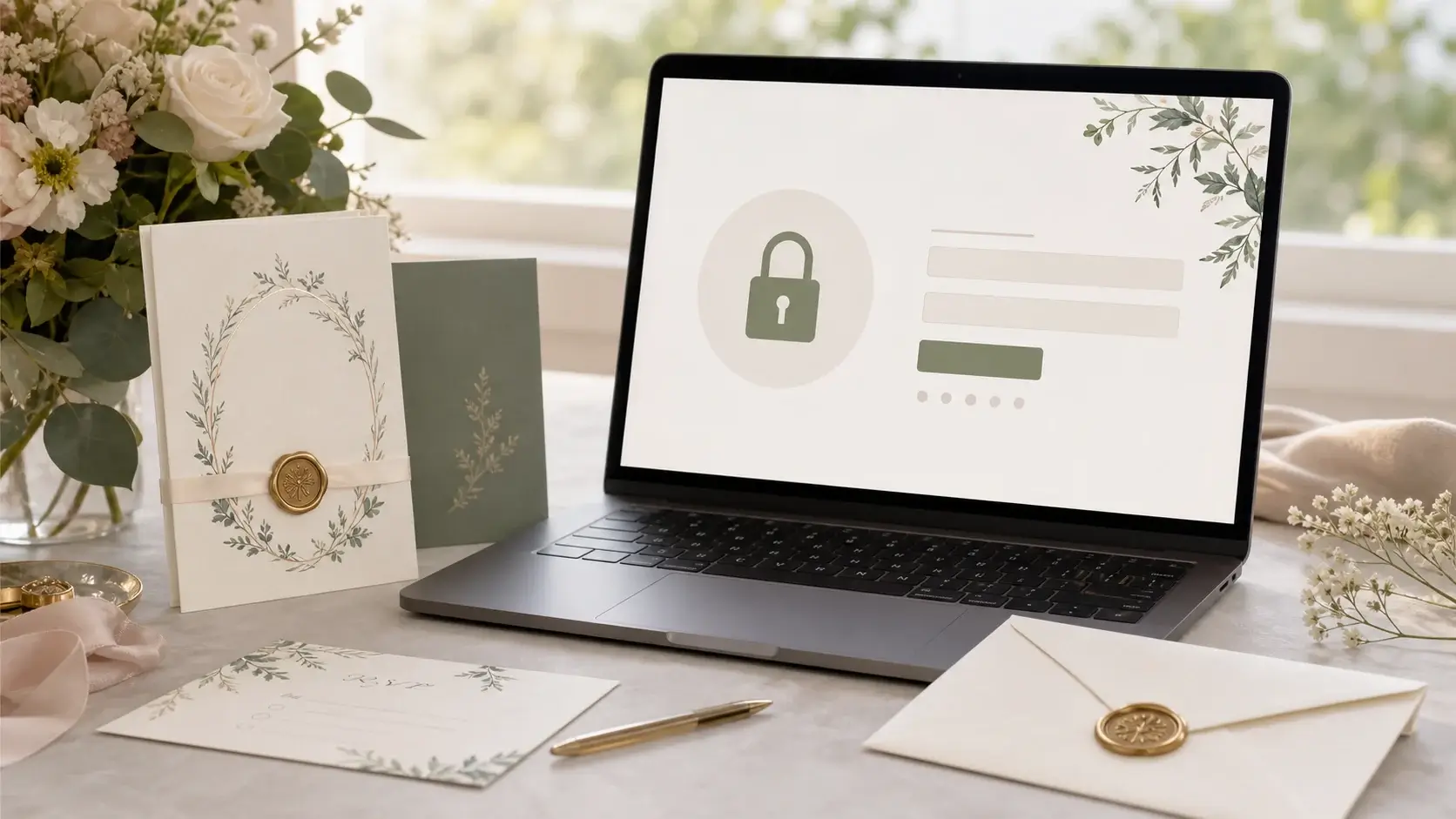
Private details should be protected by invite code. That lets the public product page rank while your personal wedding details stay away from unnecessary indexing.
Related Articles
4. Check privacy and photo handling
Many examples show names, photos, places and guest information. A real wedding website should be planned with privacy in mind: what can everyone see, what should only invited guests see and which data needs to be exportable?
With SavePaper, RSVP, guest list and gallery belong to a private workflow instead of an openly searchable example page.
5. Checklist for your page
Before starting, check: is the intro clear, are date and venue visible on mobile, does RSVP work without an app, are invite code, gallery, guest questions and domain covered?
Once those basics are solved, the design can stay simple. A good wedding website feels polished because it guides guests and reduces work for the couple.
Wedding website examples are most useful when they improve the actual guest flow. SavePaper helps couples build a private site with RSVP, invite code, guest list and optional custom domain.
Planning your dream wedding?
Create your own wedding website in minutes – with RSVP function, photo gallery, and more.